Buying the PRO plan from the UTasks app
Open the “Profile” tab at the bottom of the screen and tap the line with your current FREE plan.
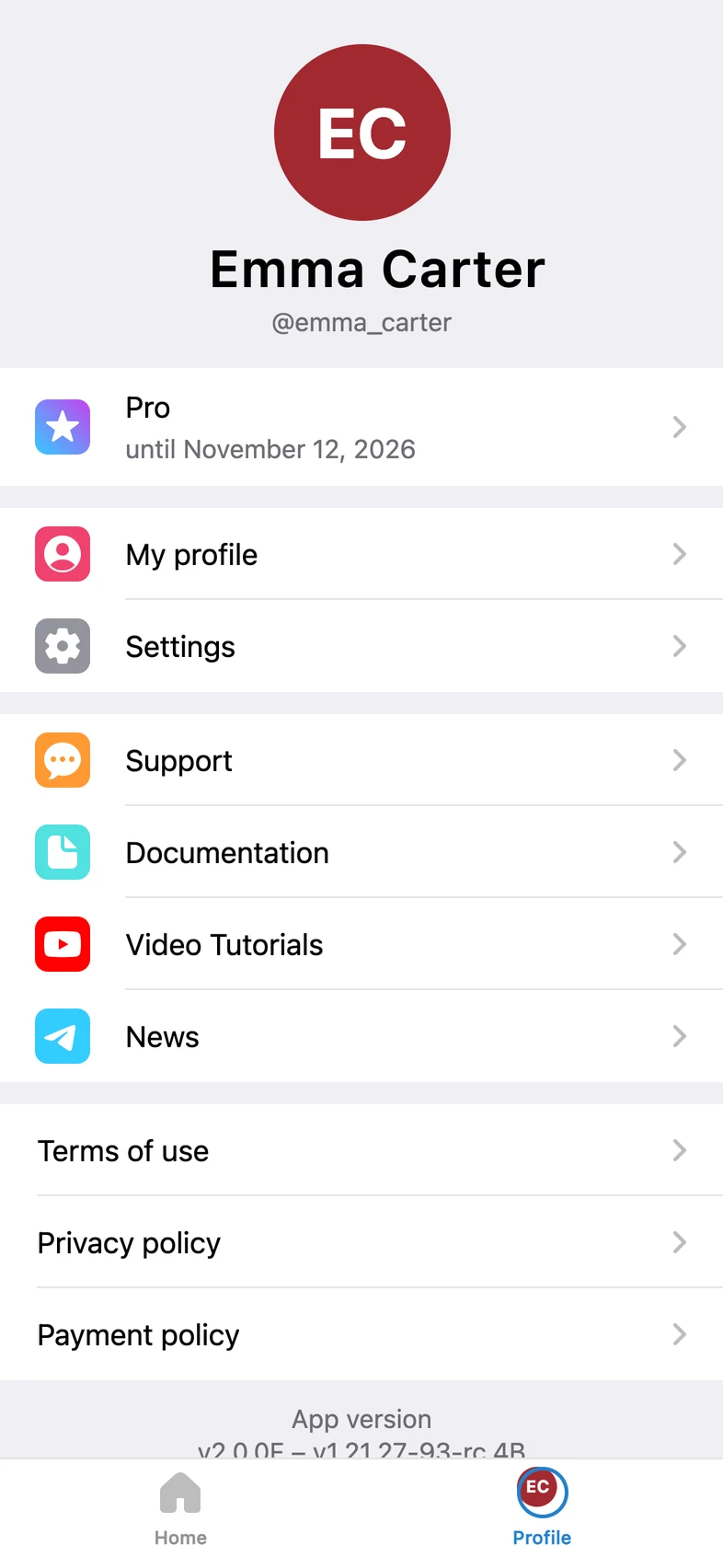
Or tap the “Utasks Pro” block (“Unlimited projects and features”) on the home screen, which appears once you have used up what the FREE plan offers.
How to pay for a subscription
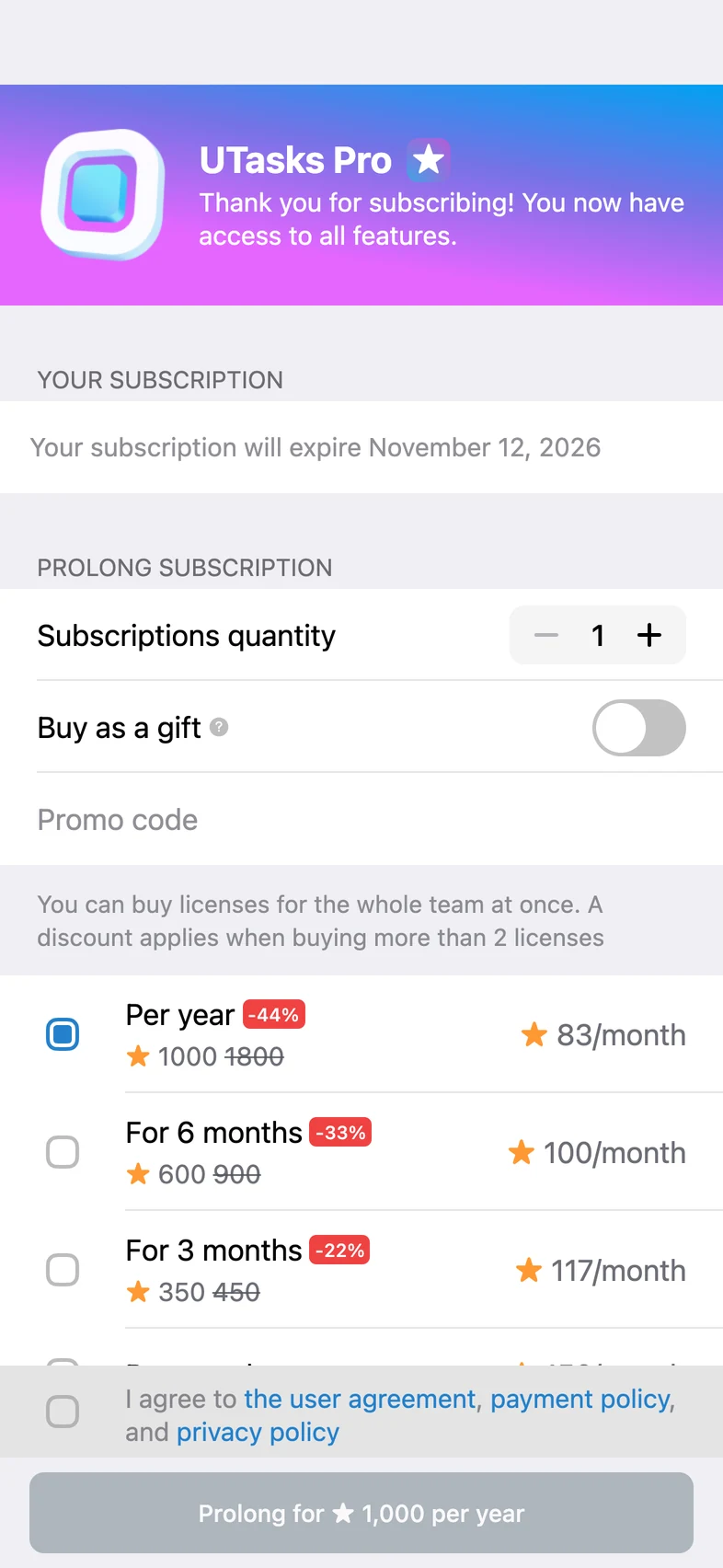
Section titled “How to pay for a subscription”Choose the subscription period and tick the box to agree to the processing of personal data, the payment policy and the offer.
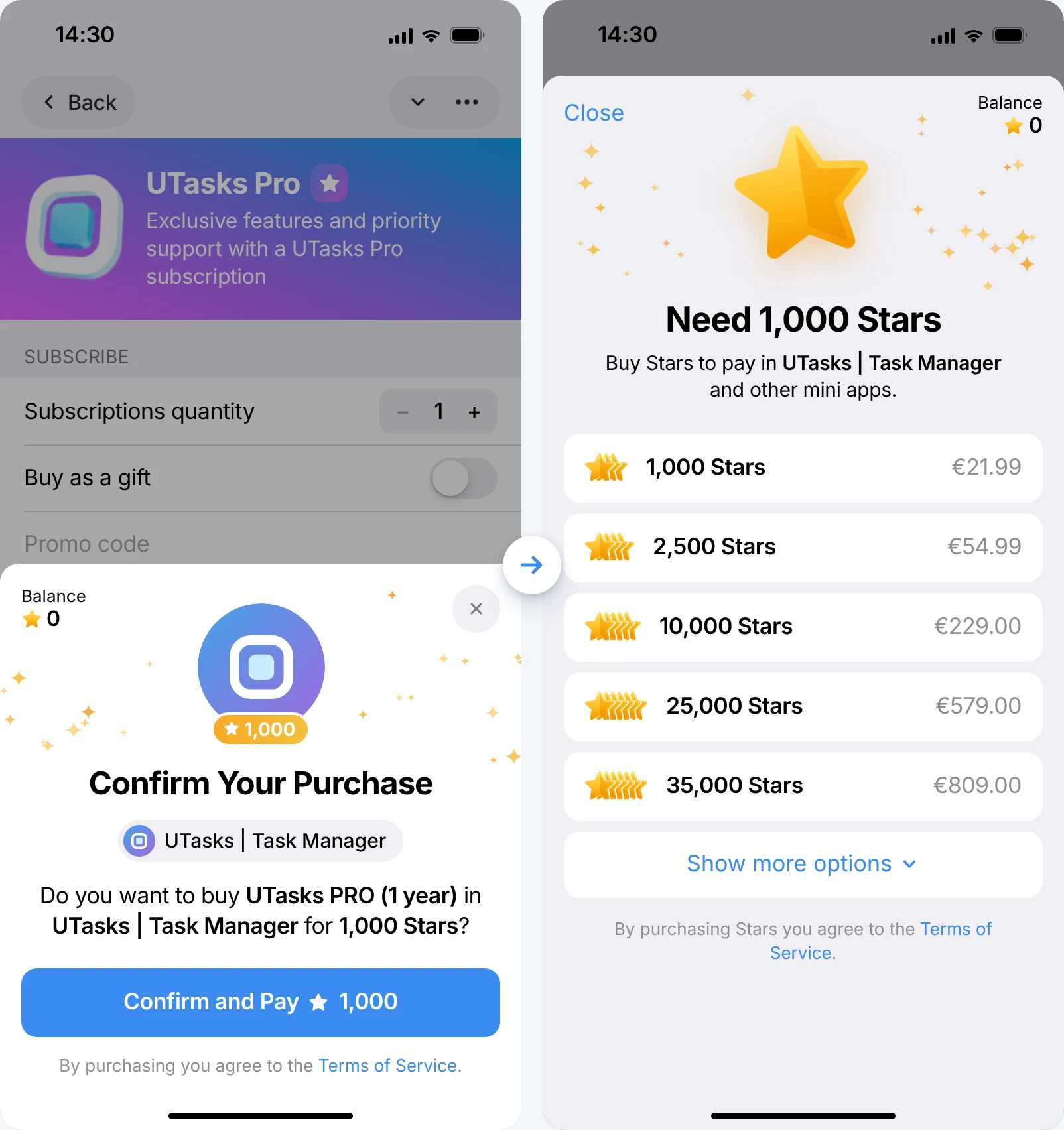
It looks just like a regular purchase in the Apple or Google store. The Stars are either taken from your balance (if you bought them in advance) or bought and spent on the subscription at the same time.
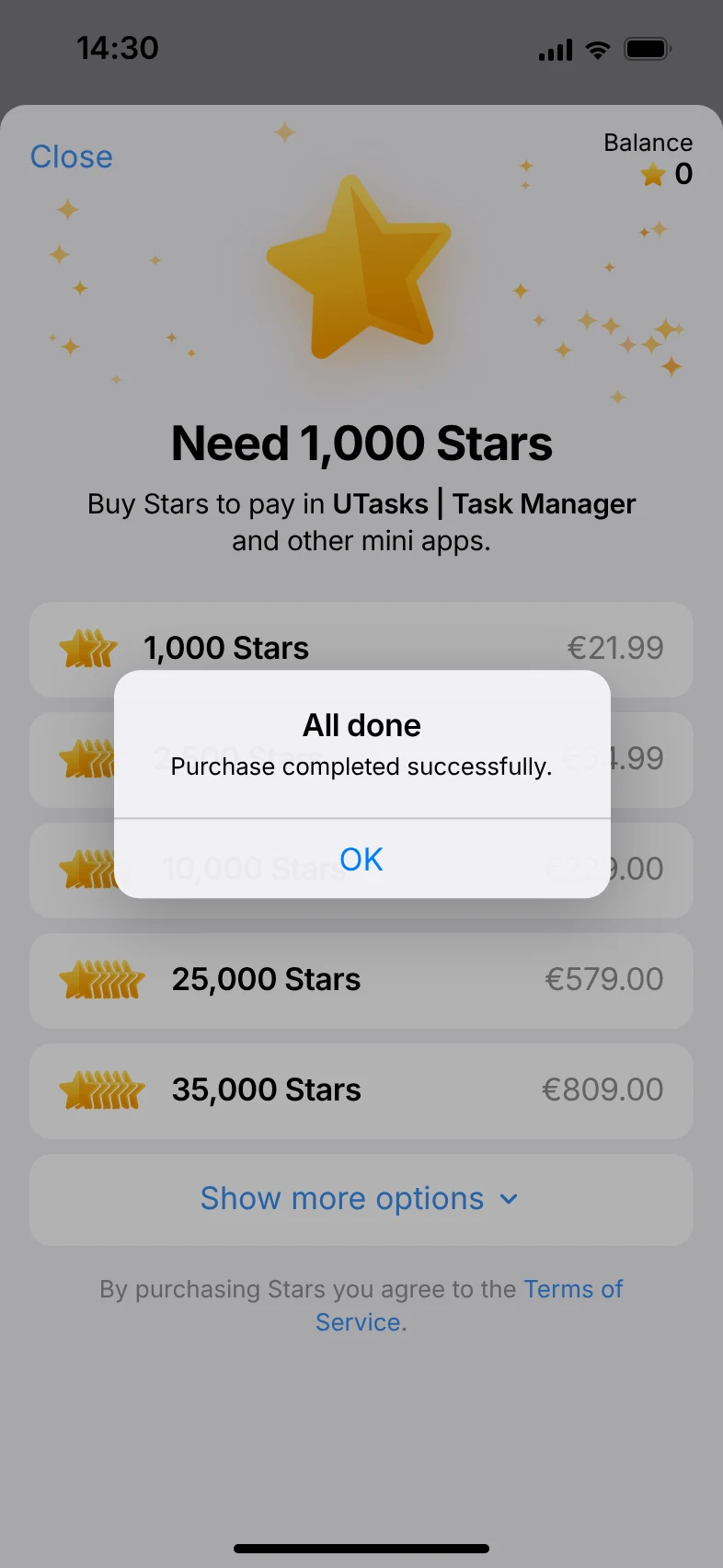
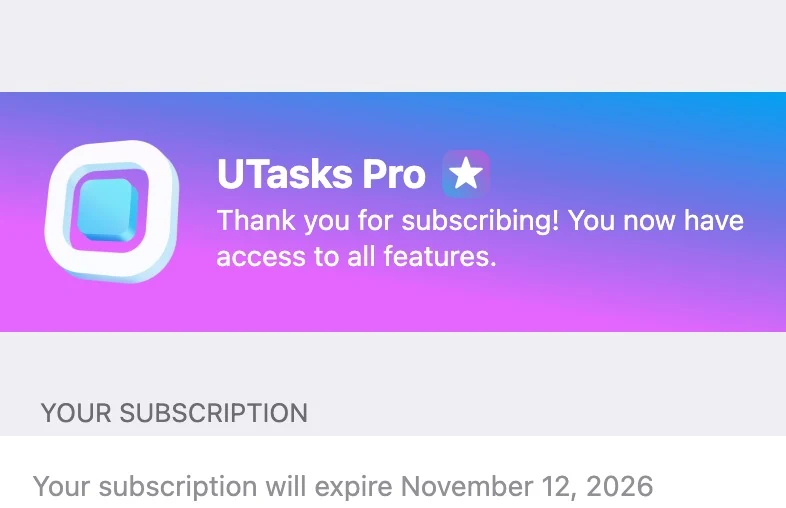
Congratulations! You now have the PRO plan!
When the subscription ends
Section titled “When the subscription ends”Renew your subscription before it expires and keep using all the benefits of UTasks PRO.
Payments are not recurring. If you paid for one month of PRO, you go back to FREE when the month ends.