Personal project
Besides the “Inbox” personal project that every UTasks user has by default, you can create other personal projects for different topics and task lists.
How to create a personal project
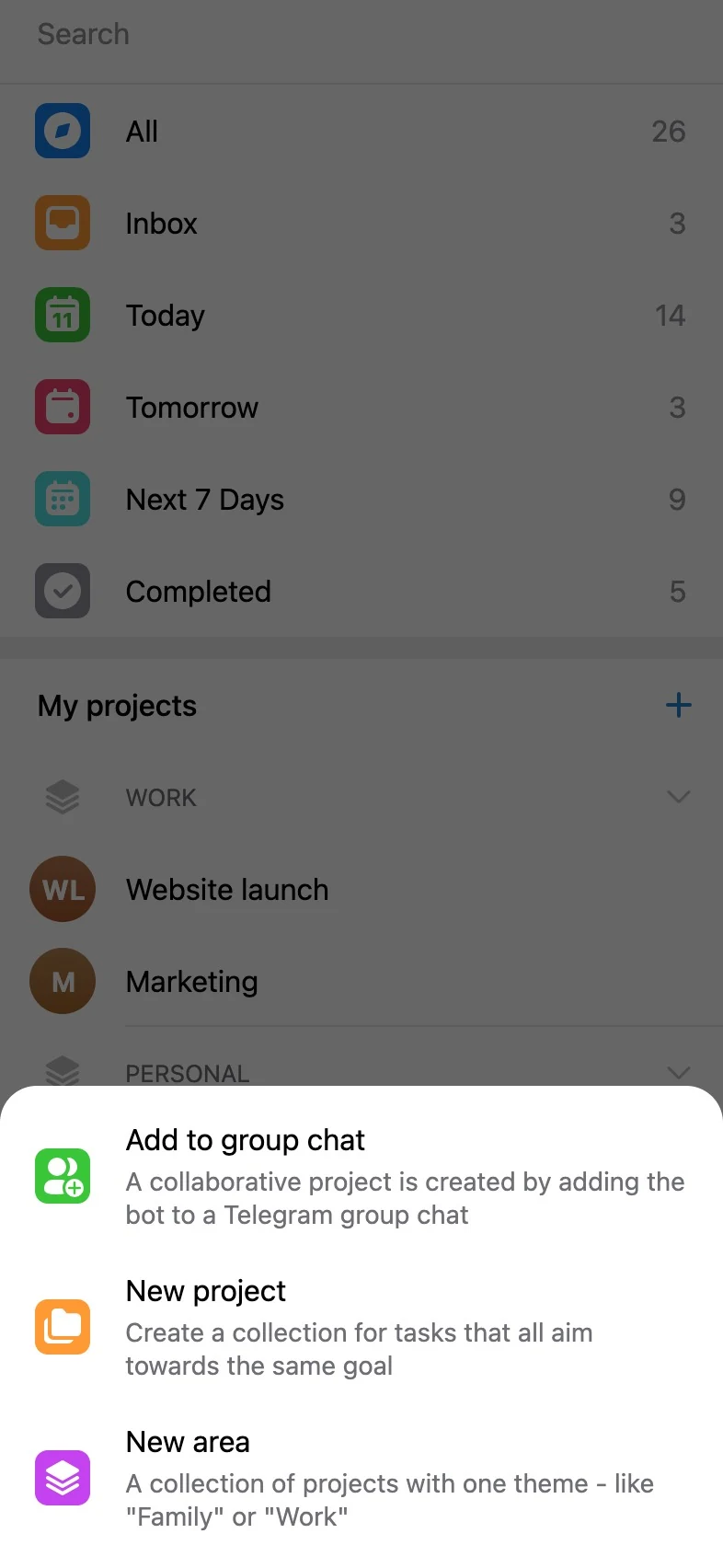
Section titled “How to create a personal project”Tap the Plus button next to “My projects” on the home screen and choose “New personal project”.
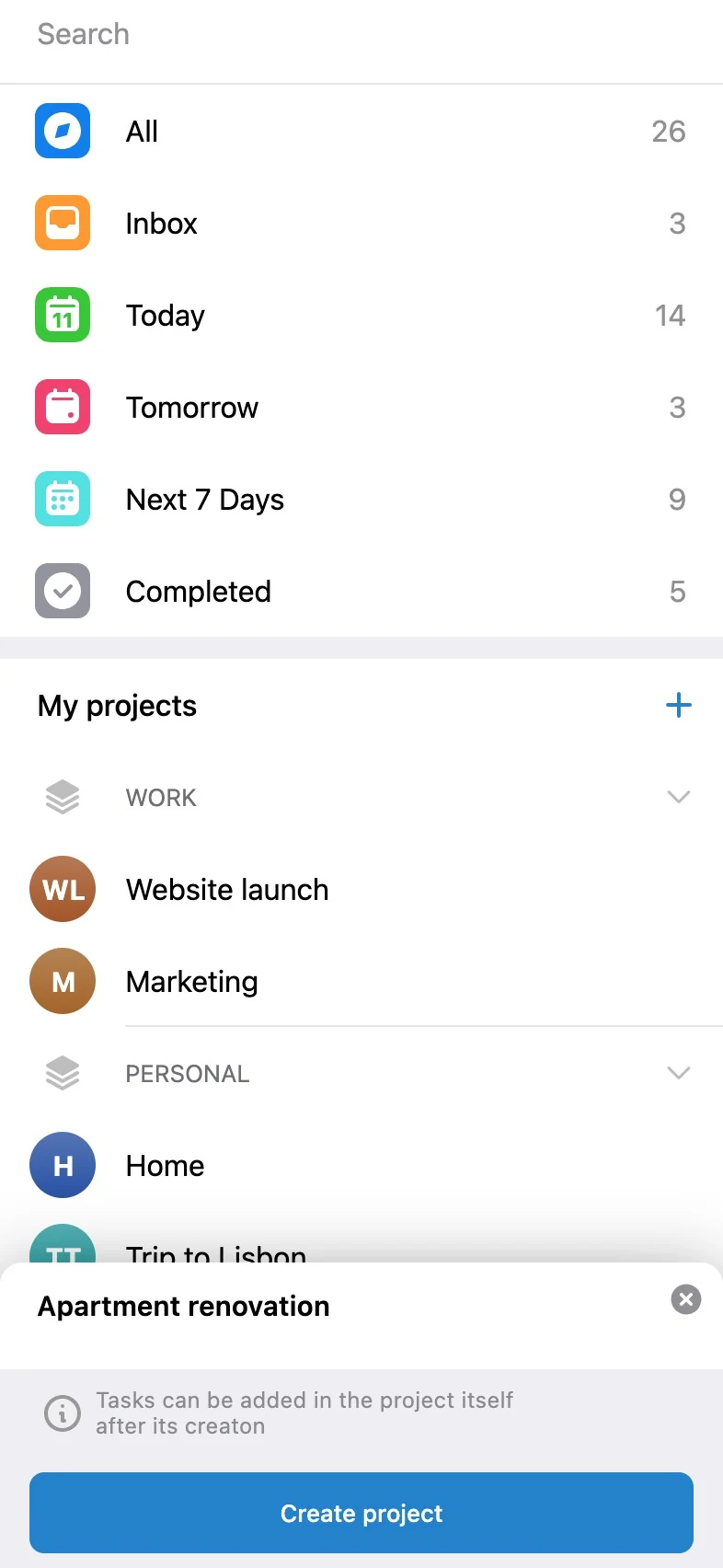
Enter the name of the personal project and tap “Create project”.
Before creating tasks in the new personal project (with the widget or the Plus button), you can set it up.