Areas
When you have many projects on one topic and need to group them, use areas.
Creating an area
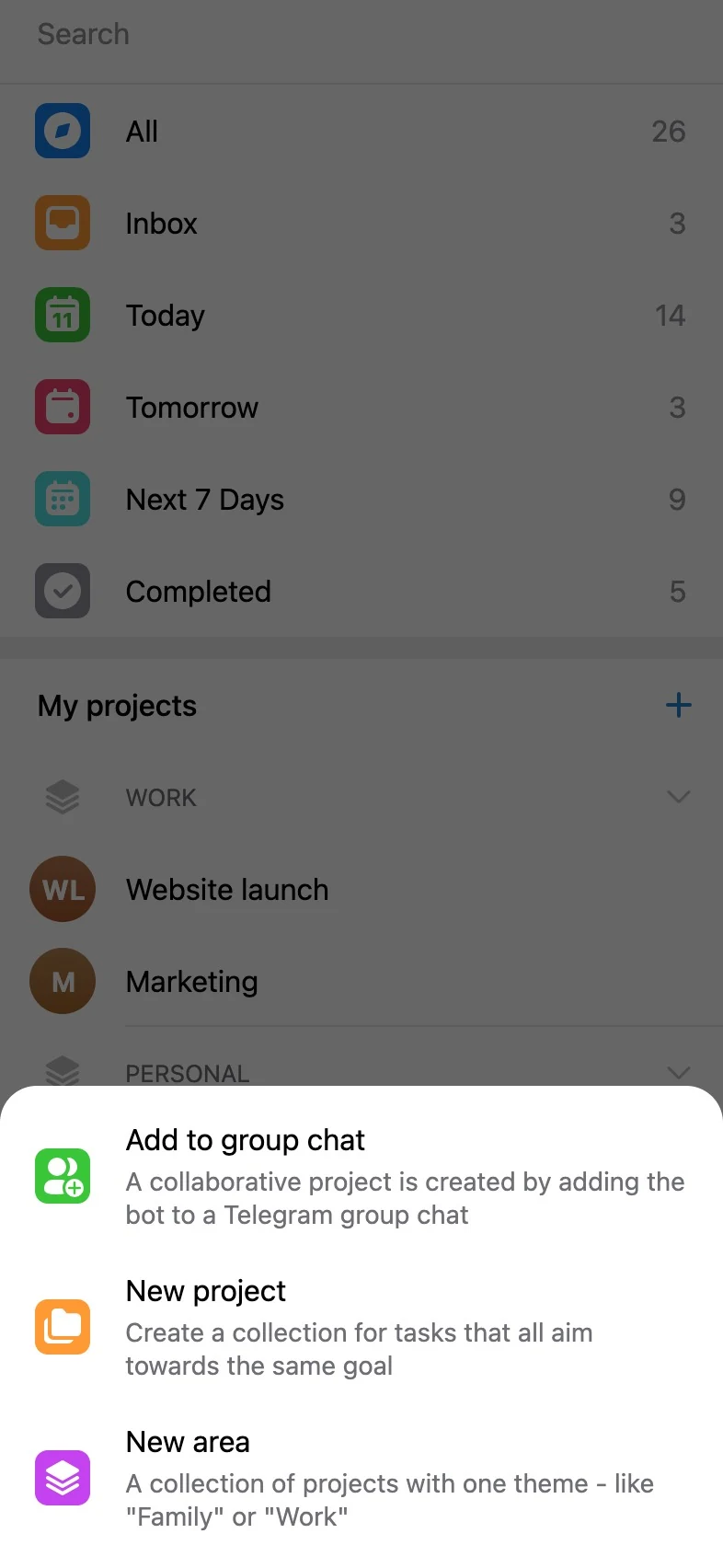
Section titled “Creating an area”Tap the Plus button next to “My projects” on the home screen and choose “New area”.
Enter the name of the area and tap “Create area”. The area is created!
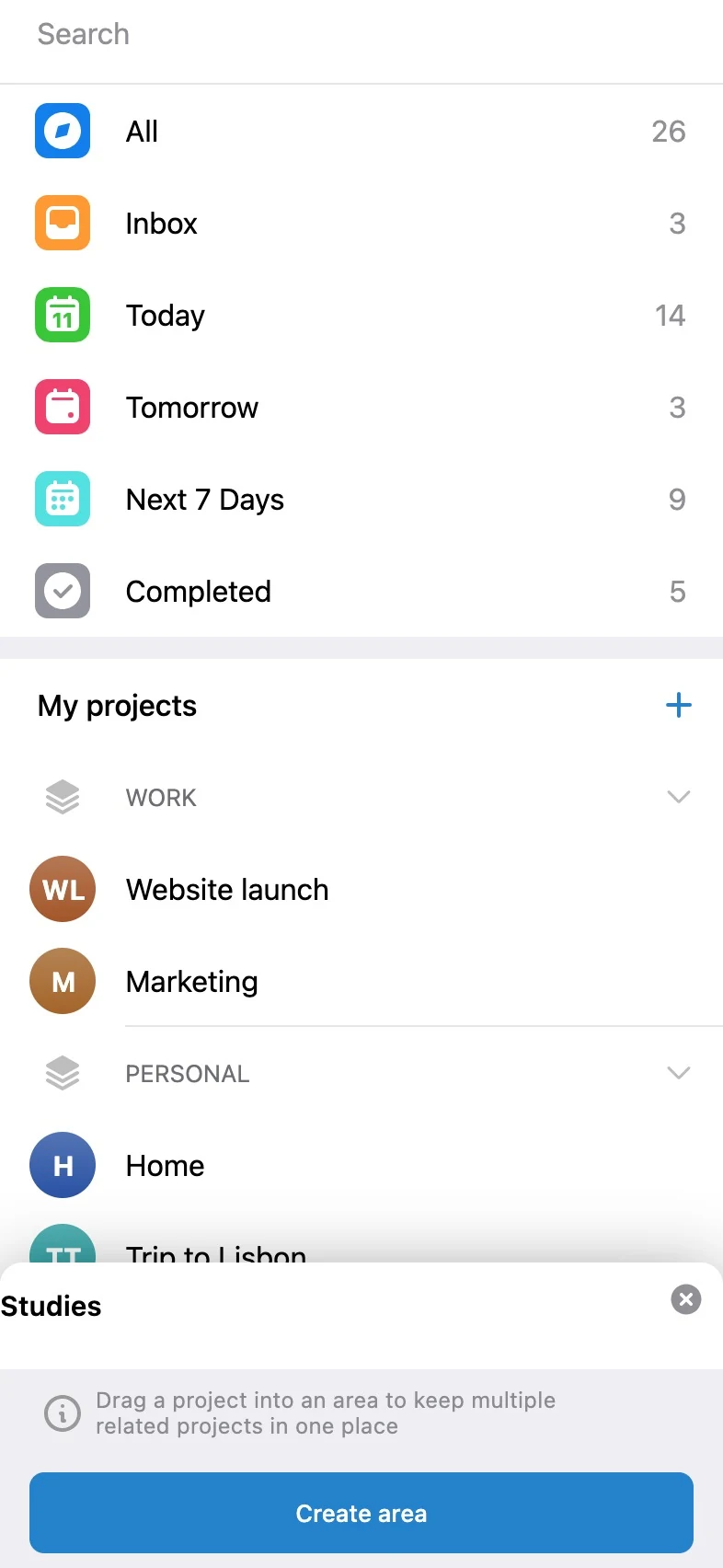
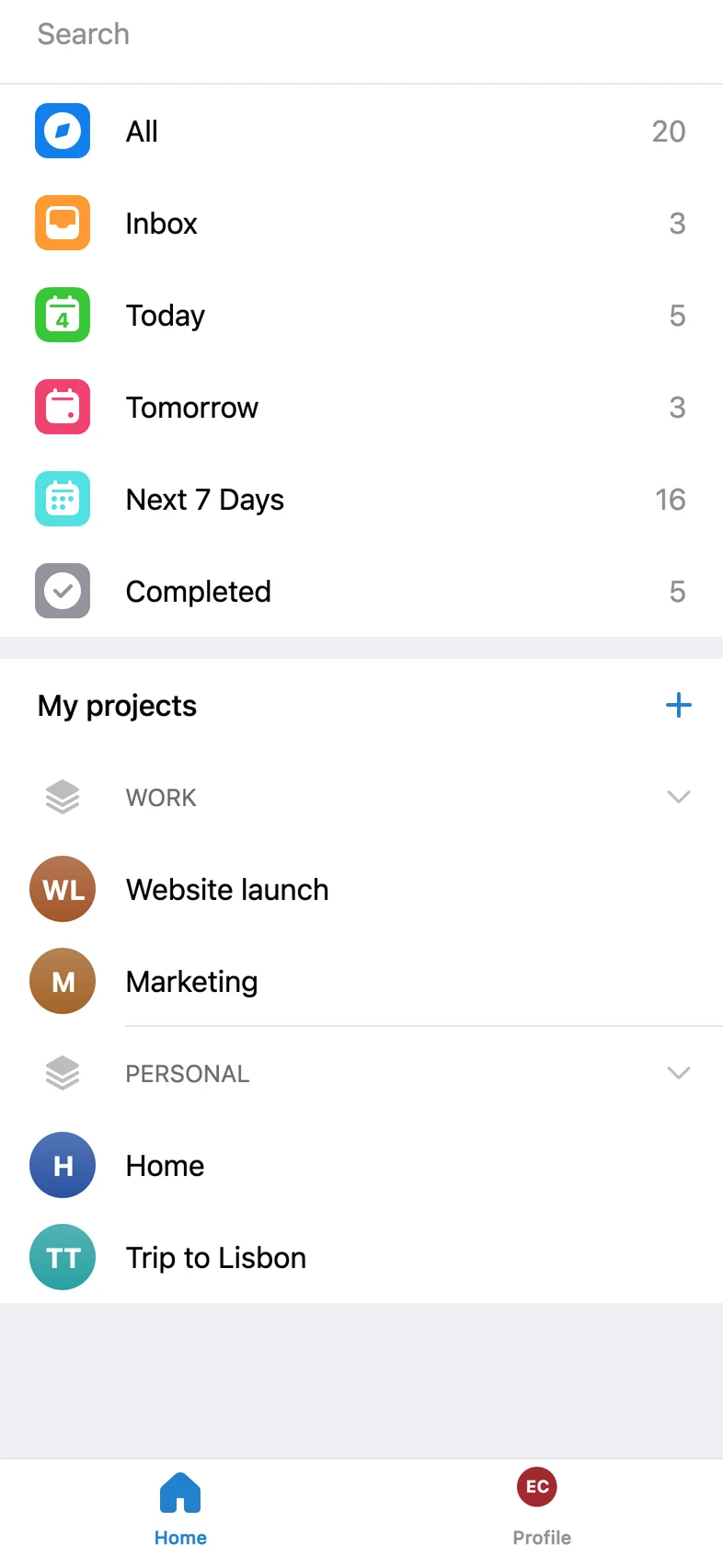
Drag into the area the projects you want to group by topic, importance or anything else.
How to open an area
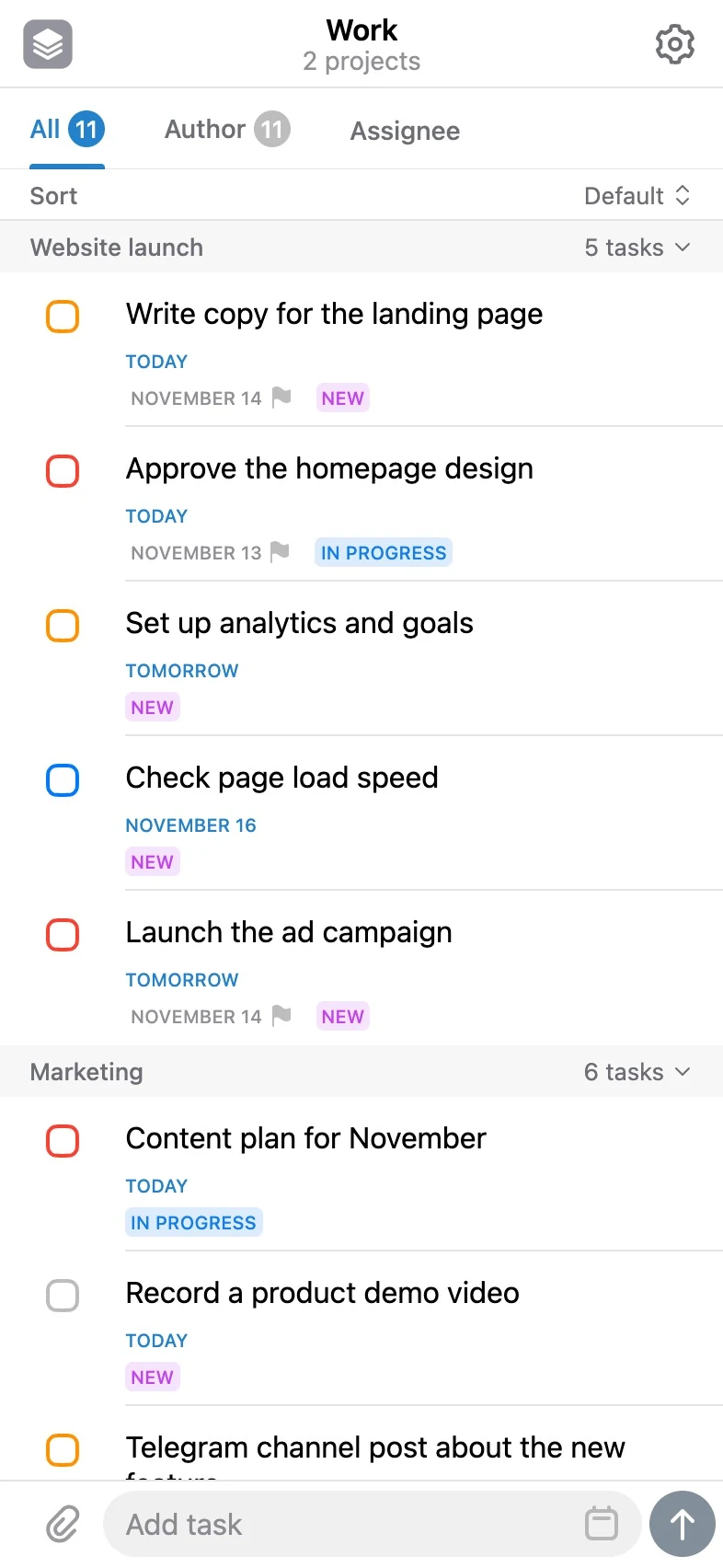
Section titled “How to open an area”Tap the name of an area to open a view where the area is a project and the projects inside it are subprojects. You can create a task in an area (with the widget or the Plus button).
How to rename or delete an area
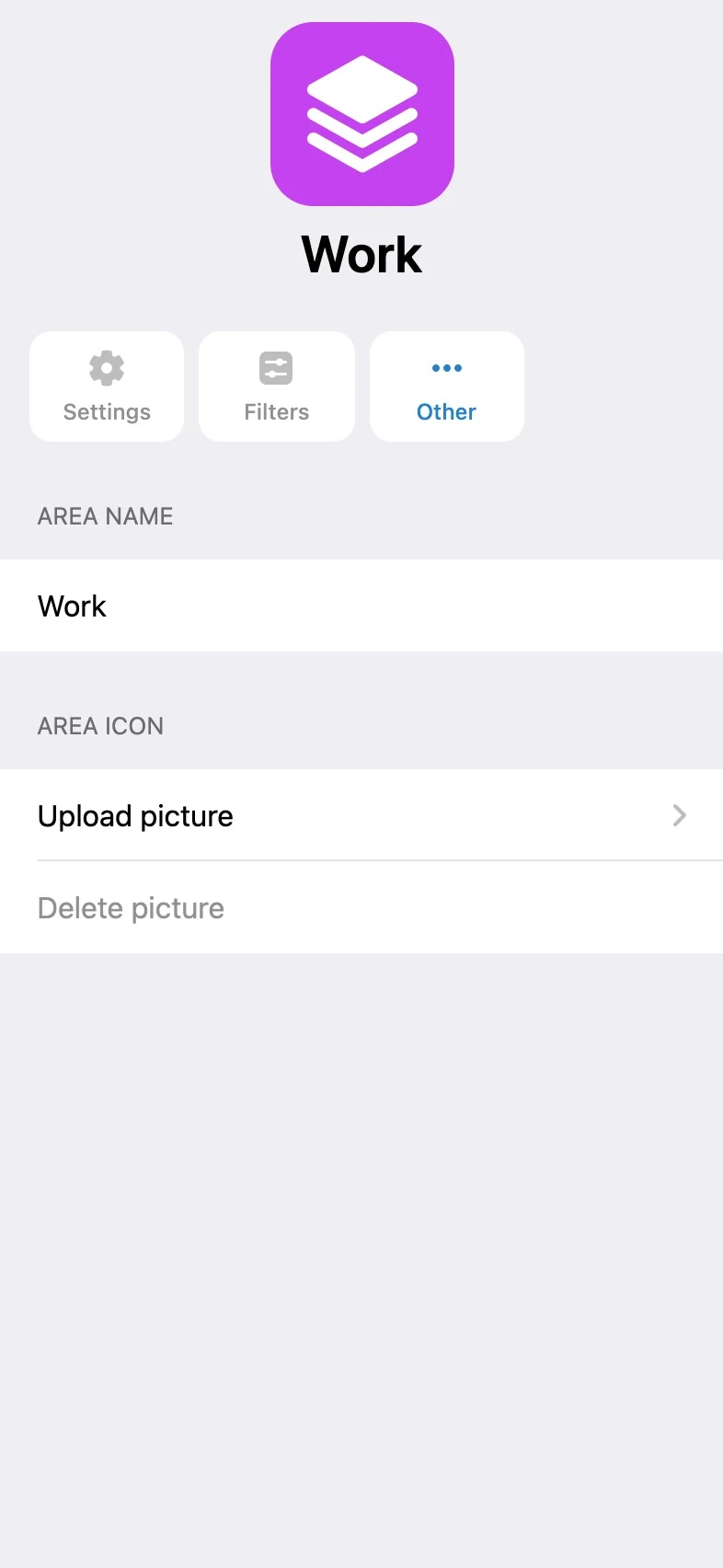
Section titled “How to rename or delete an area”You can set up an area – tap the gear and change the name of the area or delete it. Its projects are ungrouped, but their data stays intact.
Video overview
Section titled “Video overview”Besides this article, you can watch a short video overview of working with areas in our channel.